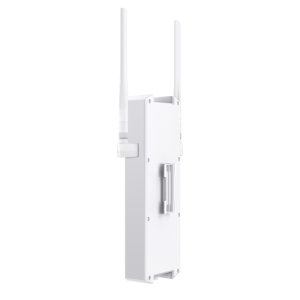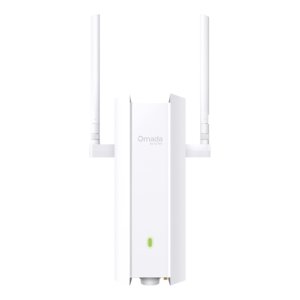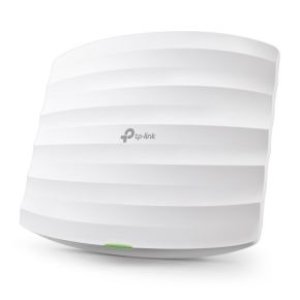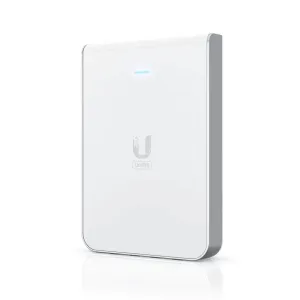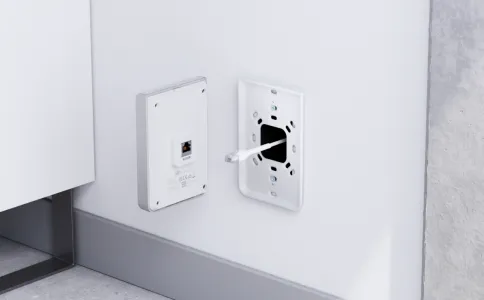
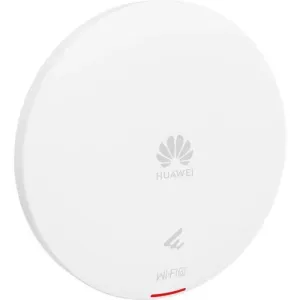
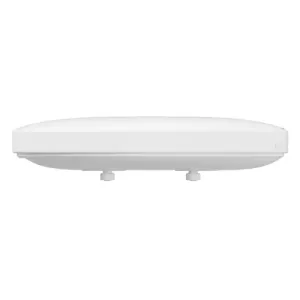

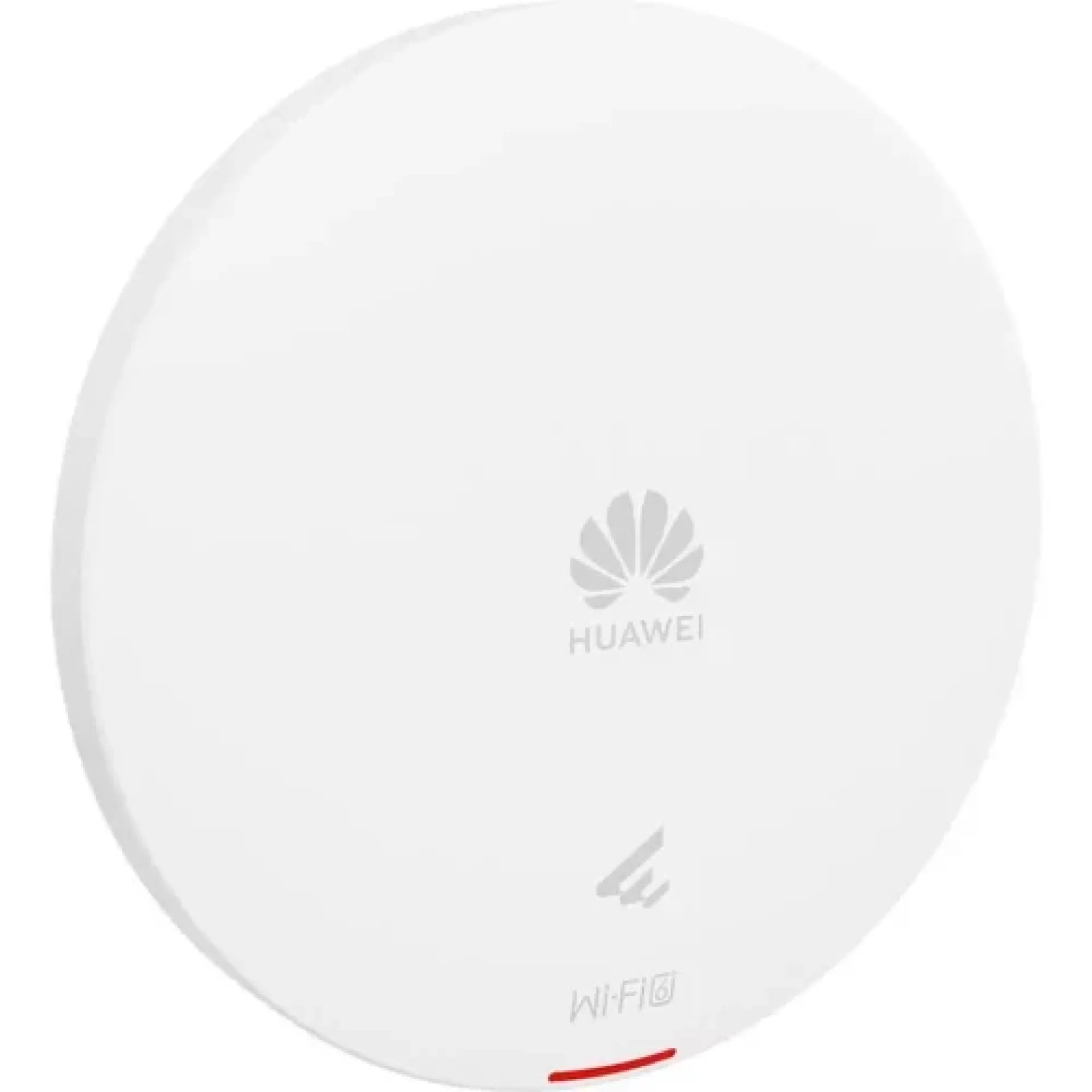
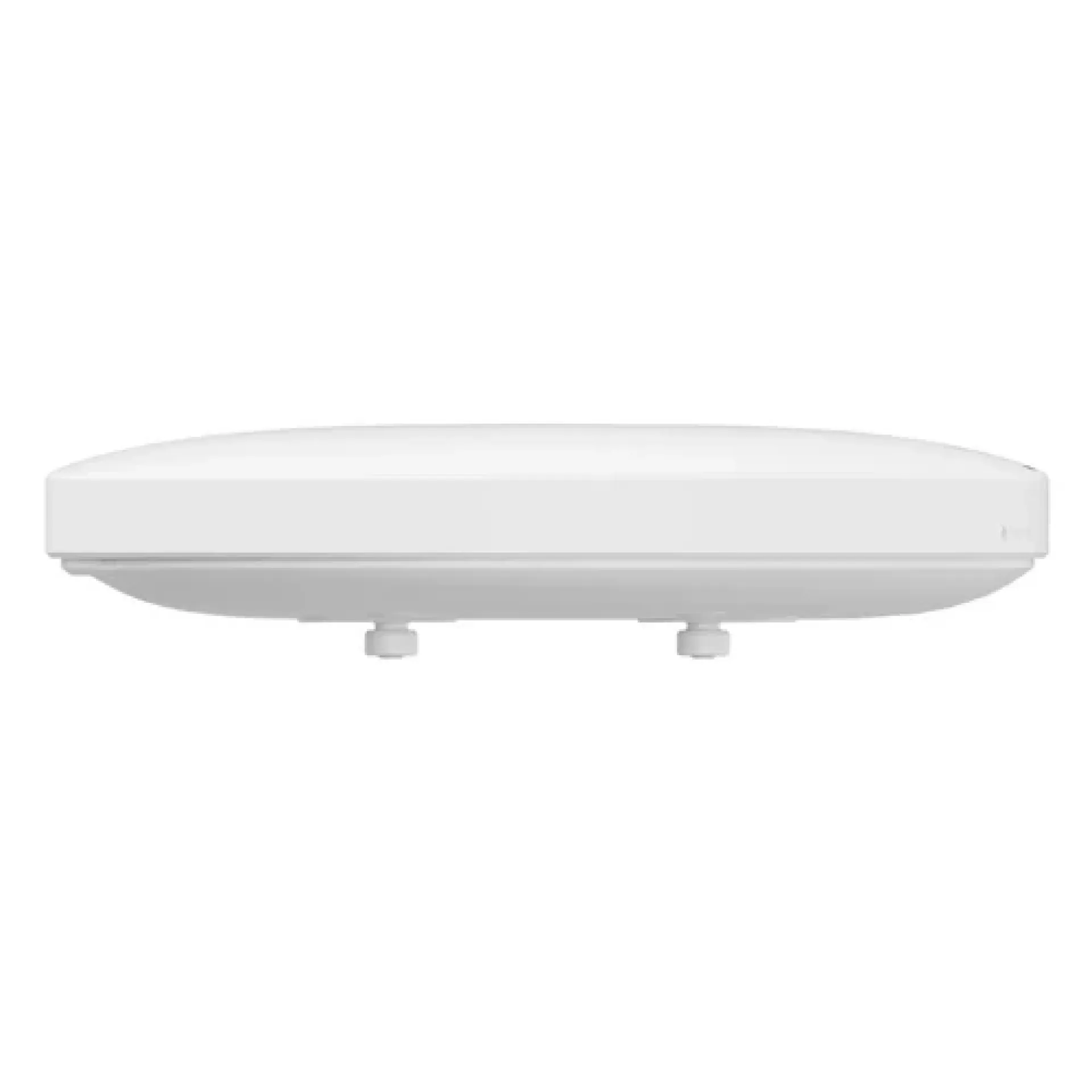
Huawei Wireless LAN Equipment AP361 Access Point
-
Wi‑Fi standard – Wi‑Fi 6 (802.11ax) with OFDMA, MU‑MIMO, and 1024‑QAM.
-
Speed – Up to 575 Mbps (2.4 GHz) + 1200 Mbps (5 GHz), combined 1.775 Gbps.
-
Capacity – Recommended 80 users, maximum ~256 concurrent users.
-
Radios – Dual‑radio, 2×2 MU‑MIMO on both bands.
-
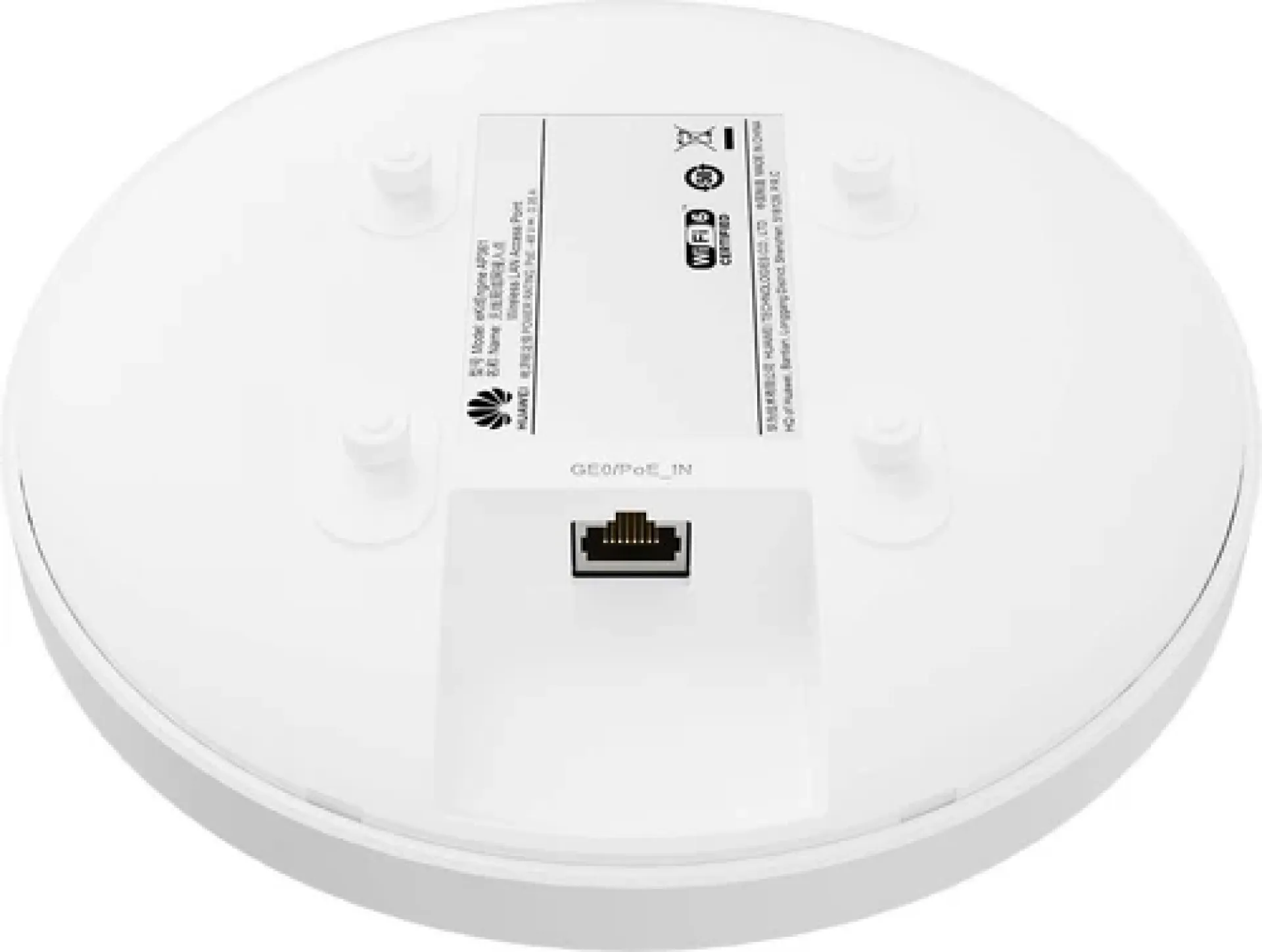
Ports – 1×GE (RJ45) auto‑sensing uplink port, PoE input (802.3af).
-
Power – Max consumption ~9.4 W.
-
Design – Compact ceiling/wall‑mountable indoor unit.
-
Security – WPA2/WPA3, WIPS/WIDS intrusion prevention.
-
Management – Fit/Fat/cloud modes, integrates with Huawei iMaster NCE‑Campus.
Huawei Wireless LAN Equipment AP361 Access Point
The Huawei Wireless LAN Equipment AP361 Access Point is a business wireless networking device designed to provide Wi-Fi connectivity for compatible devices within an indoor network environment. It can be deployed as part of a wireless LAN to connect laptops, smartphones, tablets and other Wi-Fi-enabled equipment.
An access point such as the AP361 can help businesses extend wireless connectivity across offices and other workspaces while connecting wireless users to an existing wired network infrastructure. It is suitable for organizations looking for dedicated wireless networking equipment for professional deployments.
The Huawei Wireless LAN Equipment AP361 Access Point price in Kenya is KSh 12,000.
Huawei Wireless LAN Equipment AP361 Access Point price in Kenya
| Product | Price |
|---|---|
| Huawei Wireless LAN Equipment AP361 Access Point | KSh 12,000 |
Huawei Wireless LAN Equipment AP361 Access Point key specifications
| Specification | Details |
|---|---|
| Brand | Huawei |
| Model | AP361 |
| Device type | Wireless LAN access point |
| Network type | Wireless LAN |
| Wireless connectivity | Wi-Fi |
| Wired connectivity | Ethernet network uplink |
| Deployment | Indoor |
| Application | Business and office networking |
| Network integration | Wired and wireless LAN |
| Main purpose | Wireless network access |
Huawei Wireless LAN Equipment AP361 Access Point design and build
- Professional access point design: Built for deployment as part of a dedicated wireless network.
- Indoor installation: Suitable for offices and other indoor business environments.
- Compact construction: Designed to fit neatly into a professional networking setup.
- Fixed deployment: Intended to provide wireless connectivity from a selected network location.
- Network-focused design: Connects wireless clients to the wider network infrastructure.
- Business-ready construction: Suitable for organizations requiring dedicated wireless networking equipment.
Huawei Wireless LAN Equipment AP361 Access Point features and performance
- Wireless LAN access: Provides Wi-Fi connectivity for compatible wireless devices.
- Dedicated Wi-Fi solution: Helps provide wireless access without relying solely on a router's built-in wireless function.
- Network integration: Can connect wireless users to an existing wired LAN.
- Multi-device connectivity: Allows compatible laptops, phones, tablets and other Wi-Fi devices to access the network.
- Business networking: Suitable for office and commercial wireless deployments.
- Flexible deployment: Can be positioned in an appropriate area where wireless access is required.
- Centralized network use: Can form part of a larger managed wireless network depending on the overall Huawei deployment.
- Professional wireless infrastructure: Suitable for organizations that need dedicated access points rather than consumer-grade Wi-Fi equipment.
Huawei Wireless LAN Equipment AP361 Access Point connectivity and compatibility
- Wi-Fi connectivity: Allows compatible wireless devices to access the network.
- Ethernet uplink: Connects the access point to the wired network infrastructure.
- Laptop compatibility: Supports network access for compatible Wi-Fi-enabled laptops.
- Mobile device connectivity: Smartphones and tablets with compatible Wi-Fi can connect to the wireless network.
- Network infrastructure: Can be integrated with compatible switches, routers and other networking equipment.
- Business deployment: Suitable for professional wireless LAN installations.
- Management compatibility: Configuration and management depend on the network architecture and supported Huawei management environment.
Huawei Wireless LAN Equipment AP361 Access Point ideal use cases
- Office Wi-Fi: Provides wireless connectivity for employees and workplace devices.
- Small businesses: Can help establish dedicated wireless network access.
- Commercial premises: Suitable for providing Wi-Fi connectivity within appropriate indoor spaces.
- Enterprise network expansion: Can be deployed where additional wireless access is required.
- Workplaces: Supports Wi-Fi connectivity for laptops, smartphones and tablets.
- Institutional networks: Suitable for schools, organizations and other institutions with compatible network infrastructure.
- Guest Wi-Fi: Can support guest wireless access when configured as part of an appropriate network.
- Network infrastructure projects: Useful for professional wired and wireless LAN deployments.
Huawei Wireless LAN Equipment AP361 Access Point pros and cons
| Pros | Cons |
|---|---|
| Dedicated wireless LAN access point | Requires network configuration |
| Suitable for business environments | Requires compatible network infrastructure |
| Supports wireless connectivity for multiple devices | Wireless performance depends on deployment conditions |
| Can integrate with wired LAN infrastructure | Management may require compatible Huawei networking tools |
| Suitable for office Wi-Fi deployments | Coverage depends on installation location |
| Compact professional design | Exact capabilities should be matched to the required Wi-Fi standard |
FAQs
How much is the Huawei AP361 in Kenya?
The Huawei Wireless LAN Equipment AP361 Access Point price in Kenya is KSh 12,000.
What is the Huawei AP361 used for?
The Huawei AP361 is used to provide wireless network access to compatible Wi-Fi devices as part of a wireless LAN.
Is the Huawei AP361 a router?
No. The AP361 is primarily a wireless access point. It is designed to provide Wi-Fi access as part of a network rather than replace a complete router.
Can laptops connect to the Huawei AP361?
Yes. Compatible Wi-Fi-enabled laptops can connect to the wireless network provided by the access point.
Can smartphones connect to the AP361?
Yes. Smartphones and tablets with compatible Wi-Fi connectivity can use the wireless network when the AP361 is properly configured.
Is the Huawei AP361 suitable for an office?
Yes. It is designed for wireless LAN applications and can be used to provide Wi-Fi connectivity within suitable office environments.
Does the Huawei AP361 need an Ethernet connection?
The access point normally uses a wired network uplink to connect wireless clients to the wider network. The exact installation requirements depend on the network setup.
Can the AP361 expand Wi-Fi coverage?
Yes. Deploying an additional access point in a suitable location can help provide wireless access in areas that need additional coverage.
Is the Huawei AP361 suitable for business networks?
Yes. Its dedicated access-point design makes it suitable for professional wireless LAN deployments where centralized or managed networking may be required.
What devices can use the Huawei AP361?
Compatible Wi-Fi-enabled devices such as laptops, smartphones, tablets and other wireless equipment can connect to the network provided by the access point.
Conclusion
The Huawei Wireless LAN Equipment AP361 Access Point provides a dedicated solution for establishing wireless network access within offices and other professional environments. It can connect compatible wireless devices to an existing wired network infrastructure and form part of a larger business Wi-Fi deployment.
At KSh 12,000, the Huawei AP361 is a practical option for businesses and organizations looking for dedicated wireless LAN equipment for office connectivity, network expansion and other professional Wi-Fi applications.
| Shipping Cost |
|
| Shop Location | Kenya |