
YoloLiv YoloDeck Control Panel for YoloBox – Overview
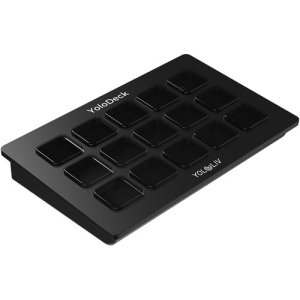
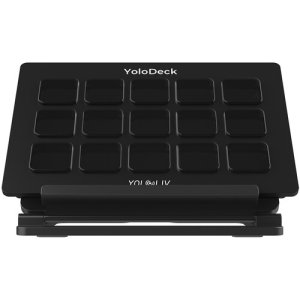
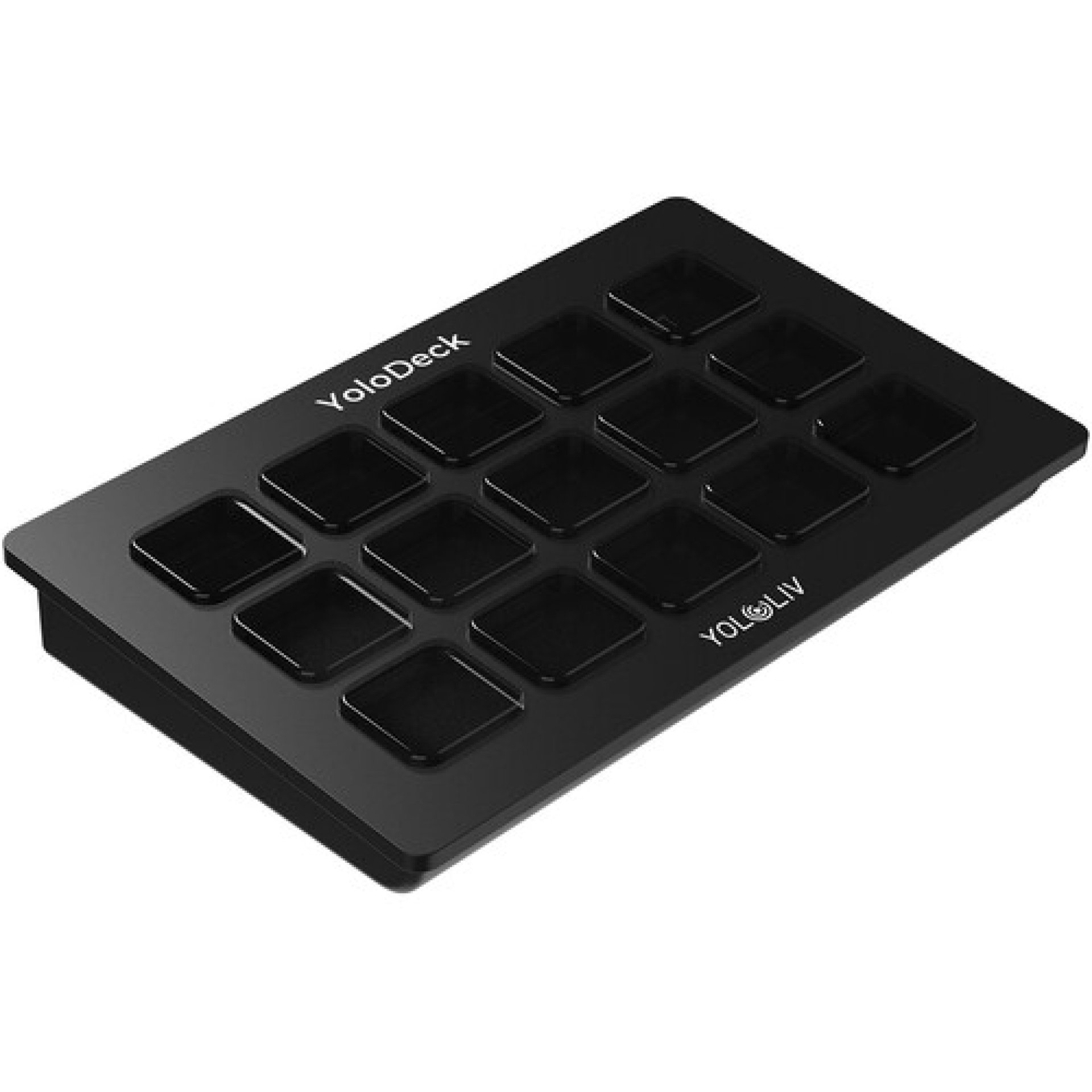
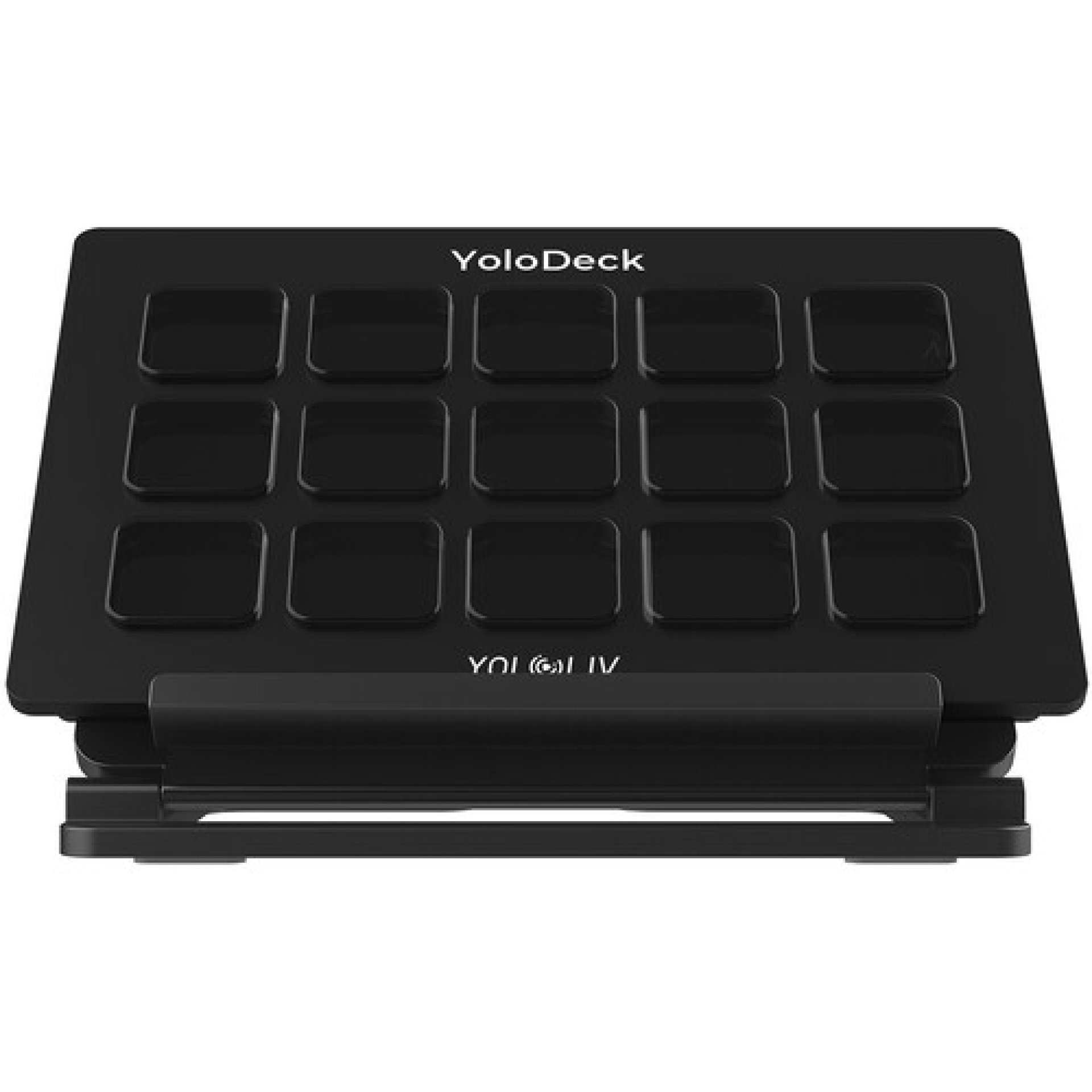
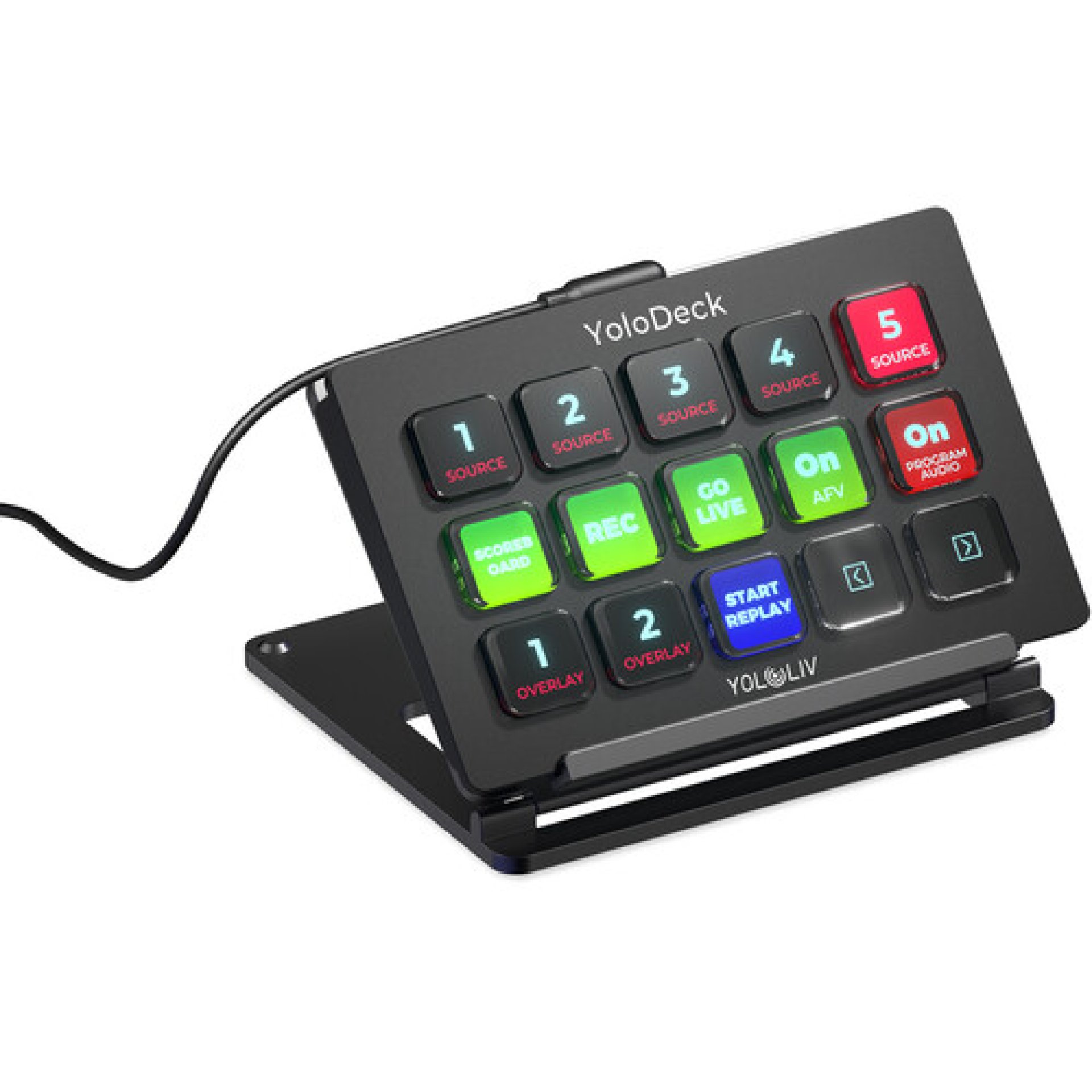
The YoloLiv YoloDeck Control Panel for YoloBox is a dedicated hardware controller designed to streamline live production with compatible YoloBox devices. Featuring 15 customizable LCD keys, plug-and-play USB-C connectivity, and intuitive drag-and-drop key assignment, the YoloDeck allows users to trigger actions such as switching video sources, starting or stopping streams, launching instant replay, adjusting audio, and controlling graphics with a single press. It is compatible with YoloBox Pro, YoloBox Ultra, and YoloBox Extreme running the latest firmware.
YoloLiv YoloDeck Control Panel for YoloBox – Key Features
-
15 Customizable LCD Keys
-
One-Touch Live Production Control
-
USB-C Plug-and-Play Connection
-
Drag-and-Drop Key Configuration
-
Unlimited Custom Key Pages
-
Instant Stream Start & Stop
-
Camera Source Switching
-
Instant Replay Control
-
Audio Mixer Shortcuts
-
Graphics & Overlay Control
-
Scoreboard Control
-
Tactile Button Feedback
-
LCD Visual Key Feedback
-
Compact Desktop Design
-
Compatible with YoloBox Pro
-
Compatible with YoloBox Ultra
-
Compatible with YoloBox Extreme
-
No Additional Software Required
YoloLiv YoloDeck Control Panel for YoloBox Price in Kenya
| Product | Price in Kenya |
|---|---|
| YoloLiv YoloDeck Control Panel for YoloBox | KSh 20,900 – KSh 23,000 |
YoloLiv YoloDeck Control Panel for YoloBox Specifications Table
| Specification | Details |
|---|---|
| Product | YoloLiv YoloDeck |
| Number of Keys | 15 LCD Keys |
| Interface | USB-C |
| Input Voltage | 5V |
| Working Power Consumption | 3W |
| Standby Power Consumption | 0.75W |
| Keyboard Icon Resolution | 126 × 126 |
| Startup Display Resolution | 800 × 480 |
| Dimensions | 132 × 91 × 20 mm |
| Weight | 188 g |
| Compatibility | YoloBox Pro, YoloBox Ultra, YoloBox Extreme |
YoloLiv YoloDeck Control Panel for YoloBox – Performance
-
Provides instant hardware control over compatible YoloBox devices.
-
Executes live production commands with a single button press.
-
Supports unlimited pages of programmable shortcuts for different production workflows.
-
Visual LCD key feedback confirms each command.
-
Plug-and-play USB-C connection requires no additional software installation.
YoloLiv YoloDeck Control Panel for YoloBox – Supported Controls
-
Start and stop live streams
-
Start and stop recording
-
Switch video sources
-
Trigger instant replay
-
Control audio mixer
-
Add graphics and overlays
-
Control scoreboards
-
Navigate production pages
-
Launch production shortcuts
-
Custom workflow automation
YoloLiv YoloDeck Control Panel for YoloBox – Build and Design
-
Compact desktop-friendly form factor.
-
Durable construction for professional production environments.
-
Bright LCD keys display custom icons.
-
Responsive tactile buttons improve production speed.
-
Powered directly through the USB-C connection.
-
Includes stand and USB-C cable for quick setup.
YoloLiv YoloDeck Control Panel for YoloBox – Ideal Use Cases
-
Church live streaming
-
Sports broadcasting
-
Podcast production
-
Corporate presentations
-
Live concerts
-
Conferences
-
YouTube Live streaming
-
Facebook Live broadcasts
-
Educational streaming
-
Professional multicamera productions
YoloLiv YoloDeck Control Panel for YoloBox – FAQs
1. Which YoloBox models are compatible with the YoloDeck?
The YoloDeck is compatible with YoloBox Pro, YoloBox Ultra, and YoloBox Extreme running the latest firmware.
2. How many programmable buttons does it have?
It features 15 customizable LCD keys, with support for unlimited pages of additional controls.
3. Does the YoloDeck require separate software?
No. It connects directly to a compatible YoloBox via USB-C and works without installing additional software.
4. Can I customise the button functions?
Yes. You can assign actions using a drag-and-drop interface and create multiple pages of shortcuts for different production scenarios.
5. What functions can be controlled?
You can control camera switching, streaming, recording, instant replay, graphics, overlays, audio mixing, and scoreboards directly from the controller.
YoloLiv YoloDeck Control Panel for YoloBox – Pros and Cons
| Pros | Cons |
|---|---|
| 15 programmable LCD keys | Requires a compatible YoloBox |
| Plug-and-play USB-C connectivity | Not a standalone streaming device |
| Unlimited shortcut pages | |
| Fast one-touch production control | |
| Customisable workflows | |
| Compact and lightweight | |
| Visual feedback for every command |
YoloLiv YoloDeck Control Panel for YoloBox – Conclusion
The YoloLiv YoloDeck Control Panel for YoloBox is an excellent accessory for users who want faster, more efficient control over their live productions. Its programmable LCD keys, tactile operation, and seamless integration with compatible YoloBox systems make it a valuable addition for professional streamers, broadcasters, churches, educators, and event production teams.
| Shipping Cost |
|
| Shop Location | Kenya |