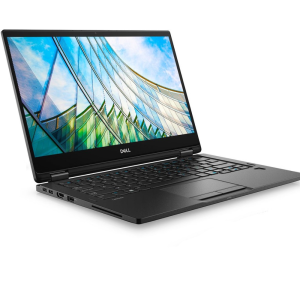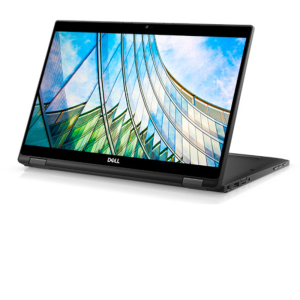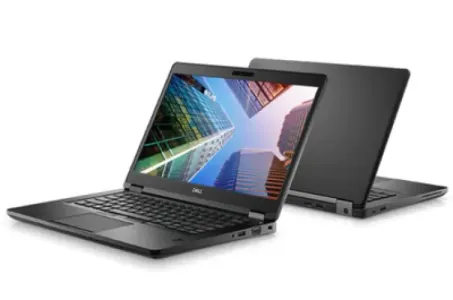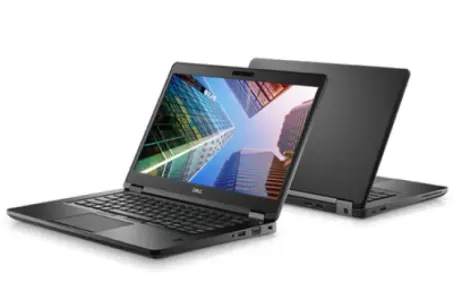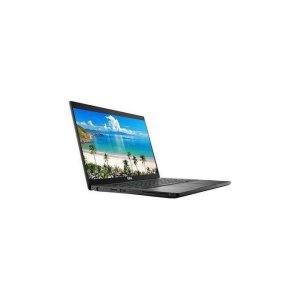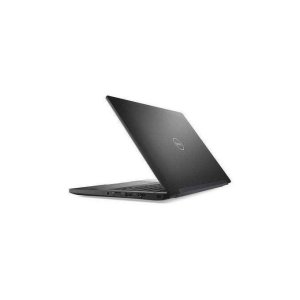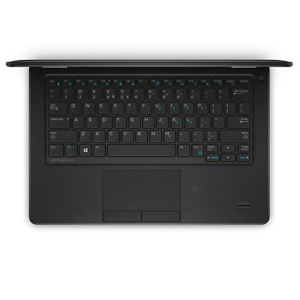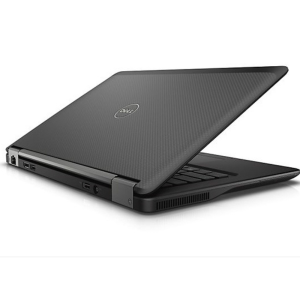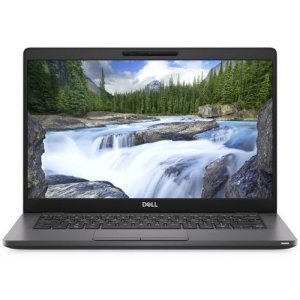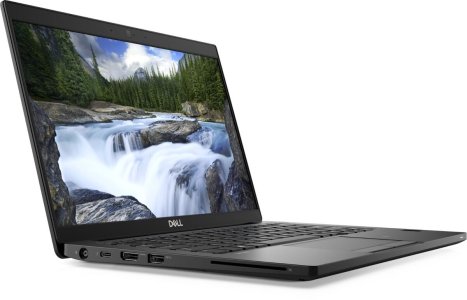
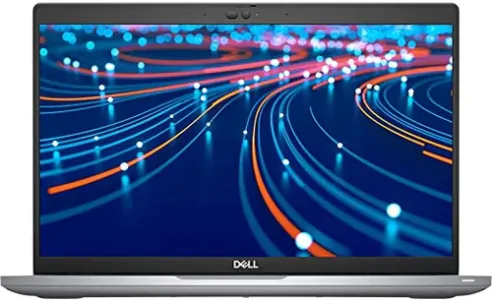
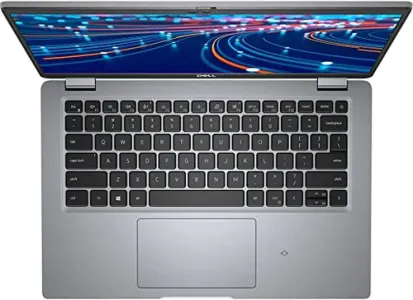
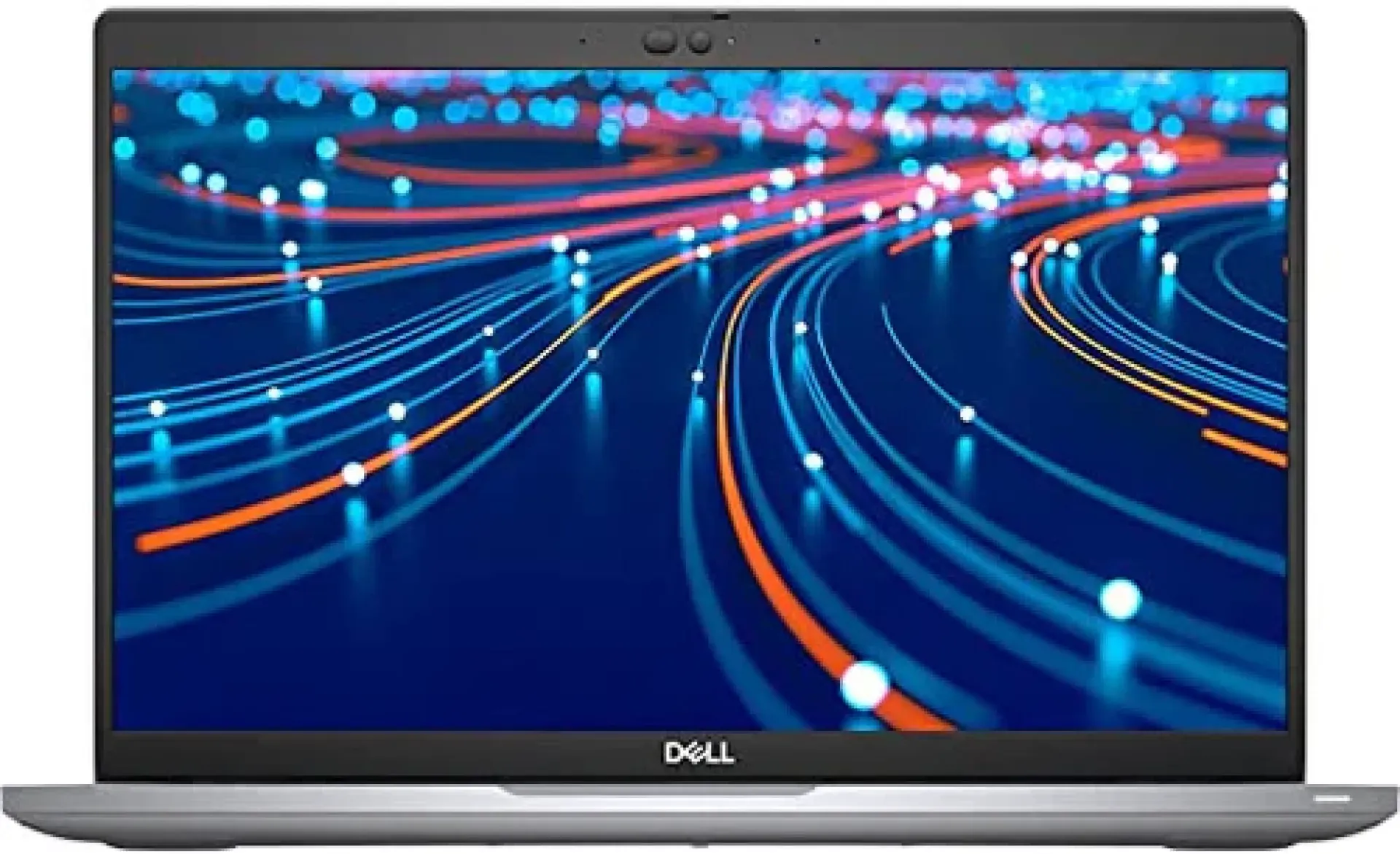
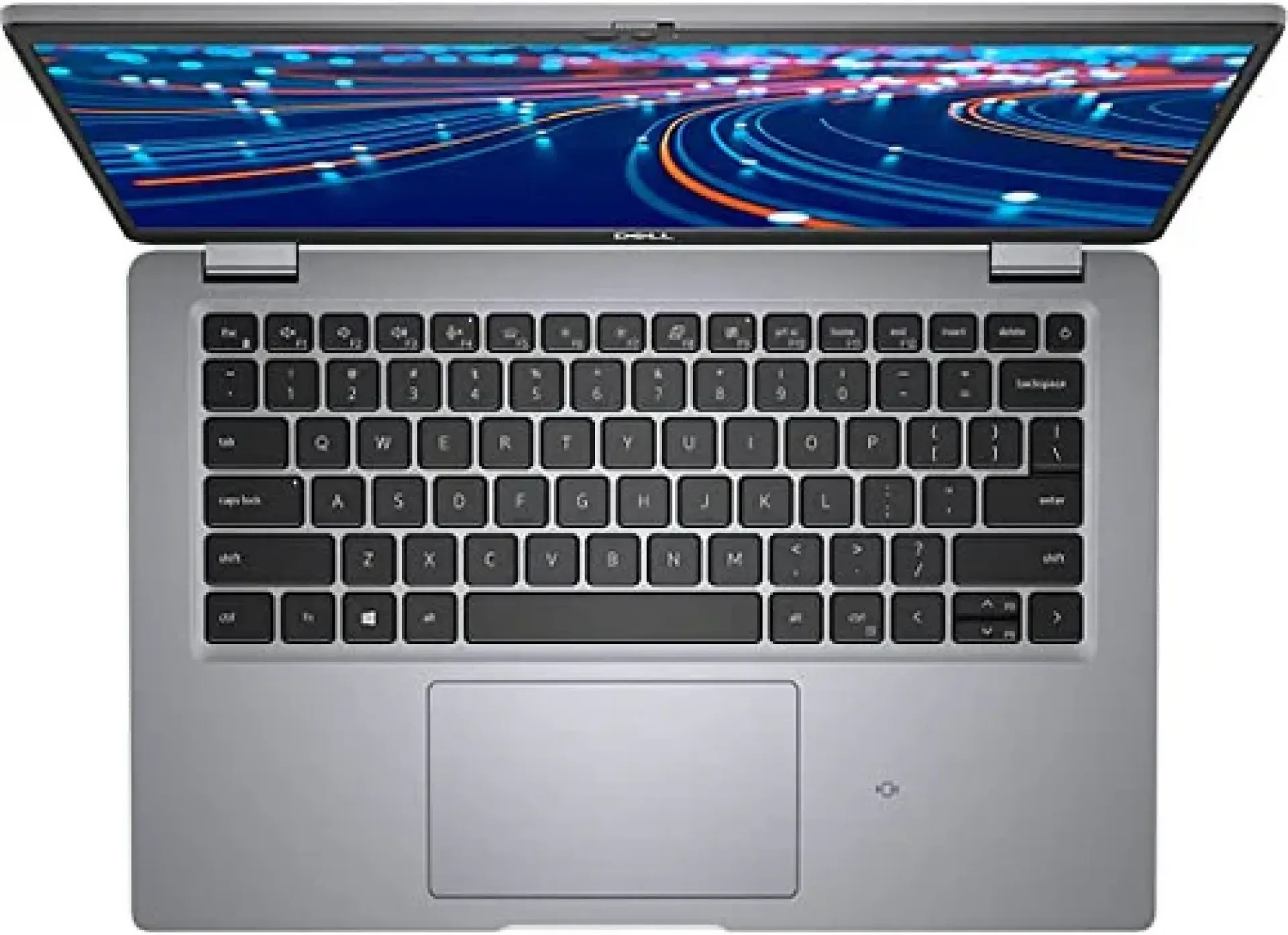
Key Features of Dell Latitude 5320 Core i7 11th Gen 16GB RAM 512GB SSD x360 Touchscreen
-
Processor – Intel Core i7 11th Generation
-
Memory – 16GB RAM
-
Storage – 512GB SSD
-
Display – 13.3-inch Touchscreen
-
Design – 2-in-1 Convertible x360
-
Operating System – Windows Compatible
-
Graphics – Integrated Intel Graphics
-
Connectivity – Wi-Fi and Bluetooth
-
Ports – USB-C, USB-A, HDMI, Audio
-
Security – Business-Class Security Features
Overview of Dell Latitude 5320 Core i7 11th Gen 16GB RAM 512GB SSD x360 Touchscreen
The Dell Latitude 5320 Core i7 11th Gen 16GB RAM 512GB SSD x360 Touchscreen is a compact business laptop designed for professionals, students, and users who need portability and flexible working options. Powered by an 11th Generation Intel Core i7 processor, it offers responsive performance for office applications, web browsing, video meetings, multitasking, and everyday productivity.
Its 360-degree convertible design allows it to switch between laptop and tablet-style use, while the touchscreen supports direct interaction with compatible applications. With 16GB RAM and a 512GB SSD, this Latitude configuration provides space for files and applications alongside smooth multitasking for typical work and study tasks.
Price of Dell Latitude 5320 Core i7 11th Gen 16GB RAM 512GB SSD x360 Touchscreen in Kenya
|
Price Range |
|---|
|
KSh 45,000–60,000 |
Specifications of Dell Latitude 5320 Core i7 11th Gen 16GB RAM 512GB SSD x360 Touchscreen
|
Specification |
Details |
|---|---|
|
Brand |
Dell |
|
Product Series |
Latitude |
|
Model |
Latitude 5320 2-in-1 |
|
Processor |
Intel Core i7 11th Generation |
|
RAM |
16GB |
|
Storage |
512GB SSD |
|
Storage Type |
M.2 PCIe NVMe SSD |
|
Display Size |
13.3 inches |
|
Display Type |
Full HD Touchscreen |
|
Resolution |
1920 × 1080 pixels, depending on configuration |
|
Display Design |
360-degree convertible |
|
Graphics |
Integrated Intel Graphics; Intel Iris Xe on supported configurations |
|
Operating System |
Windows 10 or Windows 11, depending on installation |
|
Wireless Connectivity |
Wi-Fi and Bluetooth |
|
USB-C Ports |
2 Thunderbolt 4 ports |
|
Other Ports |
USB-A, HDMI, 3.5mm audio jack |
|
Keyboard |
Backlit keyboard, depending on configuration |
|
Security |
TPM 2.0; optional fingerprint reader and other security features |
|
Form Factor |
Convertible 2-in-1 laptop |
|
Intended Use |
Business, office work, studies, and multitasking |
Performance Features of Dell Latitude 5320 Core i7 11th Gen 16GB RAM 512GB SSD x360 Touchscreen
-
11th Generation Intel Core i7 Processor: Delivers responsive performance for everyday productivity, office applications, research, web browsing, video conferencing, and multitasking. It is suitable for professionals who need a capable laptop for demanding daily workloads.
-
16GB RAM for Multitasking: Provides room to work across multiple browser tabs, spreadsheets, documents, communication applications, and other programs without constantly closing tasks to free up memory.
-
512GB SSD Storage: The solid-state drive supports quick system startup, responsive application loading, and faster file access while providing storage for work documents, software, media, and personal files.
-
Integrated Graphics: Handles everyday visual tasks, video playback, presentations, and compatible light creative applications. Graphics performance depends on the exact Core i7 processor and memory configuration.
Display and Convertible Features of Dell Latitude 5320 Core i7 11th Gen 16GB RAM 512GB SSD x360 Touchscreen
-
13.3-Inch Full HD Touchscreen: Offers a compact display with clear Full HD resolution for reading documents, viewing presentations, browsing websites, and participating in video meetings. Touch input provides an additional way to navigate compatible applications.
-
360-Degree Convertible Hinge: Allows the screen to fold back into different positions, including laptop, tablet, tent, and presentation modes, making it adaptable to different working environments.
-
Flexible Touch Interaction: The touchscreen makes it easier to scroll through documents, annotate compatible content, navigate menus, and interact directly with supported applications.
-
Compact Business Design: Its portable form factor makes it practical for users who regularly move between offices, classrooms, meetings, and home workspaces.
Connectivity and Productivity Features of Dell Latitude 5320 Core i7 11th Gen 16GB RAM 512GB SSD x360 Touchscreen
-
Thunderbolt 4 Connectivity: The two Thunderbolt 4 USB-C ports support high-speed data transfer, compatible docking stations, charging, and external displays through supported connections.
-
Multiple Connection Options: USB-A, HDMI, and a 3.5mm audio jack make it easier to connect compatible accessories, external monitors, storage devices, headphones, and other peripherals.
-
Wireless Networking: Wi-Fi and Bluetooth support wireless internet access and connections to compatible accessories such as mice, keyboards, headphones, and speakers.
-
Business-Oriented Security: TPM 2.0 and available security options help support data protection and secure access. Features such as a fingerprint reader depend on the particular unit's configuration.
Pros and Cons of Dell Latitude 5320 Core i7 11th Gen 16GB RAM 512GB SSD x360 Touchscreen
|
Pros |
Cons |
|---|---|
|
11th Generation Core i7 processor for everyday productivity and multitasking |
Not designed primarily for demanding modern gaming |
|
16GB RAM supports running multiple applications |
Memory is integrated and generally cannot be upgraded |
|
512GB SSD offers fast storage and useful capacity |
Storage capacity may be limited for users with large media libraries |
|
360-degree touchscreen design supports laptop and tablet-style use |
Convertible hinge and touchscreen add components that should be checked when buying used |
|
Compact 13.3-inch display makes it portable |
Smaller screen than many 15.6-inch laptops |
|
Thunderbolt 4 and HDMI support a range of peripherals and displays |
Exact security features and graphics depend on configuration |
Frequently Asked Questions About Dell Latitude 5320 Core i7 11th Gen 16GB RAM 512GB SSD x360 Touchscreen
Is Dell Latitude 5320 Core i7 11th Gen 16GB RAM 512GB SSD x360 Touchscreen suitable for students?
Yes. It is suitable for research, online classes, assignments, presentations, programming, and general productivity. Its convertible design is useful for reading and interacting with digital content.
Can Dell Latitude 5320 Core i7 11th Gen 16GB RAM 512GB SSD x360 Touchscreen be used for programming?
Yes. The Core i7 processor, 16GB RAM, and 512GB SSD can handle many programming tools, code editors, web development environments, and database applications. Performance with virtual machines or resource-intensive development workloads depends on the software and workload.
Does Dell Latitude 5320 Core i7 11th Gen 16GB RAM 512GB SSD x360 Touchscreen have a touchscreen?
Yes. The 2-in-1 configuration has a touchscreen and a 360-degree hinge, allowing it to operate in laptop and tablet-style positions.
Can the RAM on Dell Latitude 5320 Core i7 11th Gen 16GB RAM 512GB SSD x360 Touchscreen be upgraded?
The Latitude 5320 uses integrated memory, which is generally soldered to the motherboard. The installed 16GB RAM should therefore be treated as the fixed memory capacity.
Does Dell Latitude 5320 Core i7 11th Gen 16GB RAM 512GB SSD x360 Touchscreen support external monitors?
Yes. It supports external displays through its HDMI port and compatible Thunderbolt 4 USB-C connections. The exact display setup depends on the monitor and adapter or dock used.
How much does Dell Latitude 5320 Core i7 11th Gen 16GB RAM 512GB SSD x360 Touchscreen cost in Kenya?
The estimated price range is KSh 45,000–60,000.
Conclusion on Dell Latitude 5320 Core i7 11th Gen 16GB RAM 512GB SSD x360 Touchscreen
The Dell Latitude 5320 Core i7 11th Gen 16GB RAM 512GB SSD x360 Touchscreen combines business-class productivity with a flexible convertible design. Its Core i7 processor, 16GB RAM, fast SSD storage, Full HD touchscreen, and versatile connectivity make it suitable for office work, studies, remote work, and everyday multitasking. For buyers considering a used unit, checking the touchscreen, hinge, battery condition, keyboard, ports, and SSD health is important before purchase.
| Shipping Cost |
|
| Shop Location | Kenya |