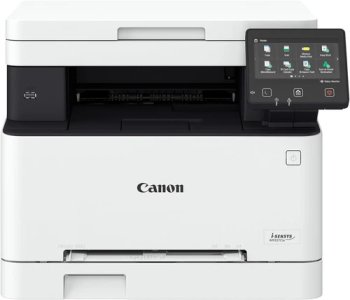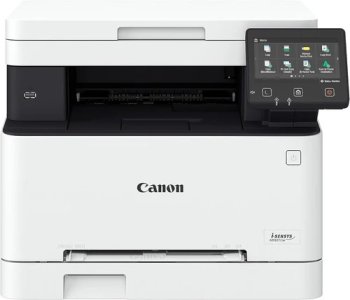
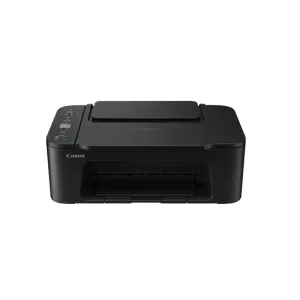
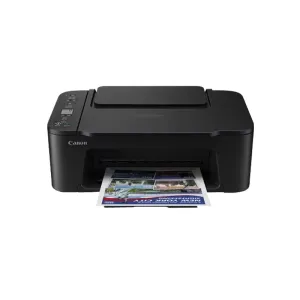

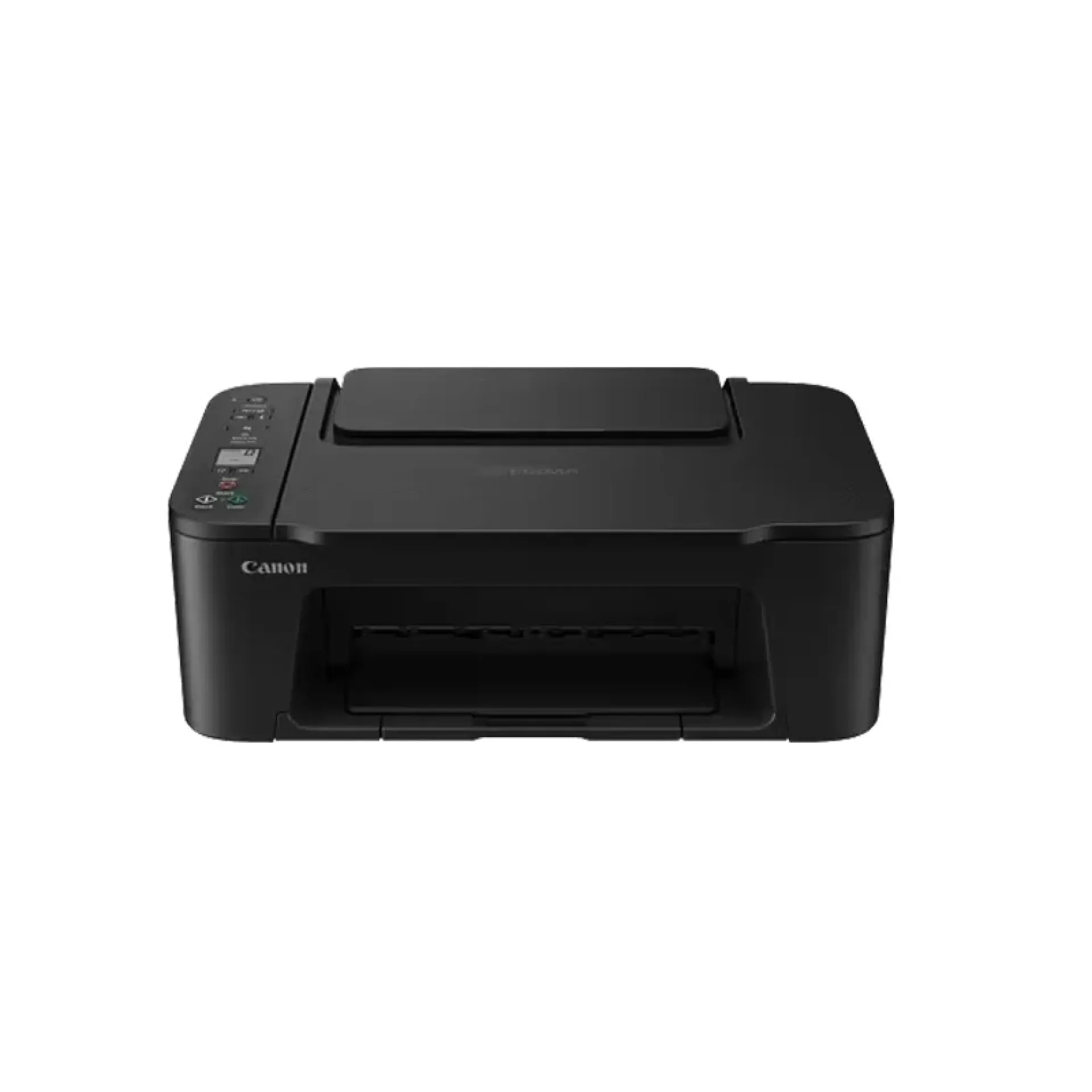
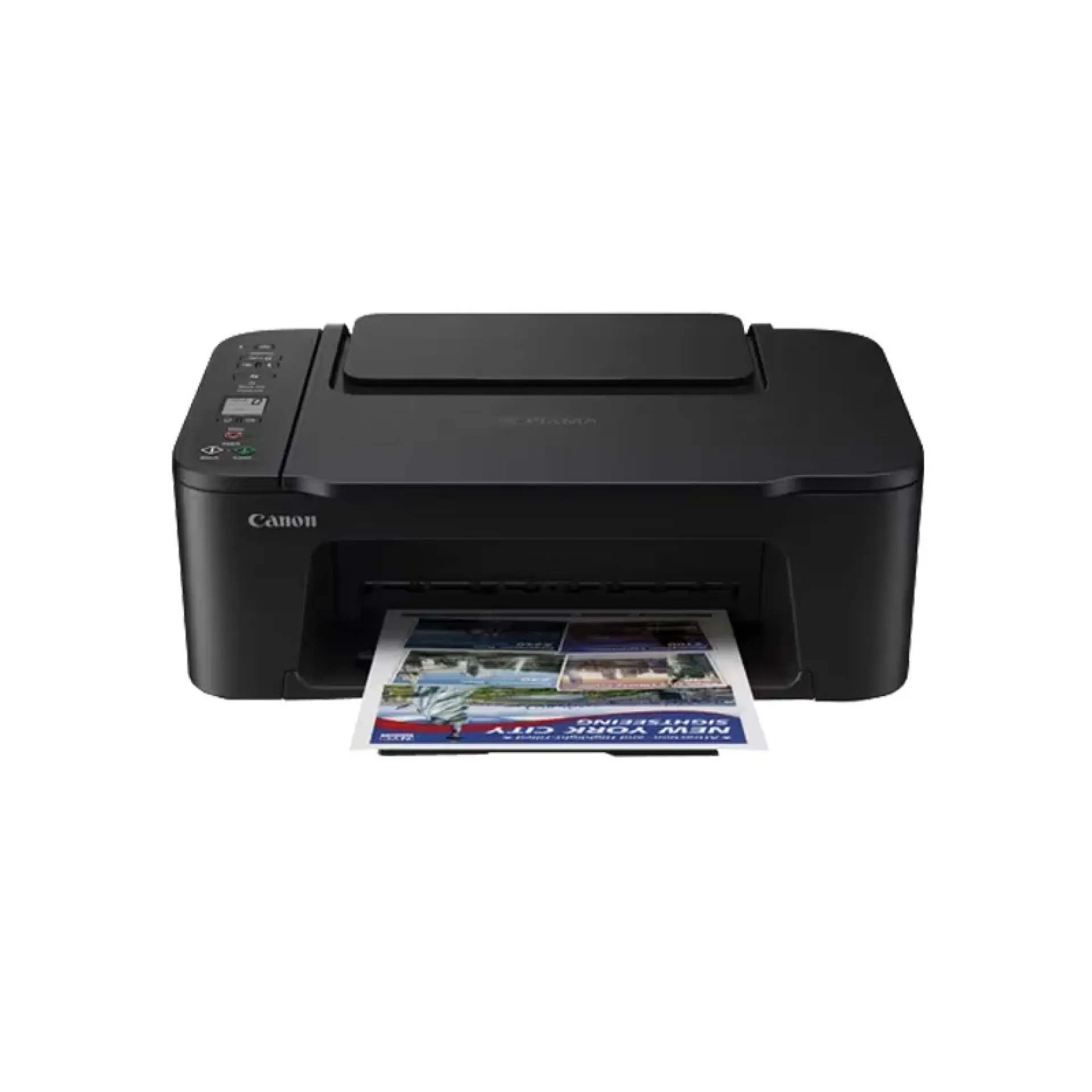
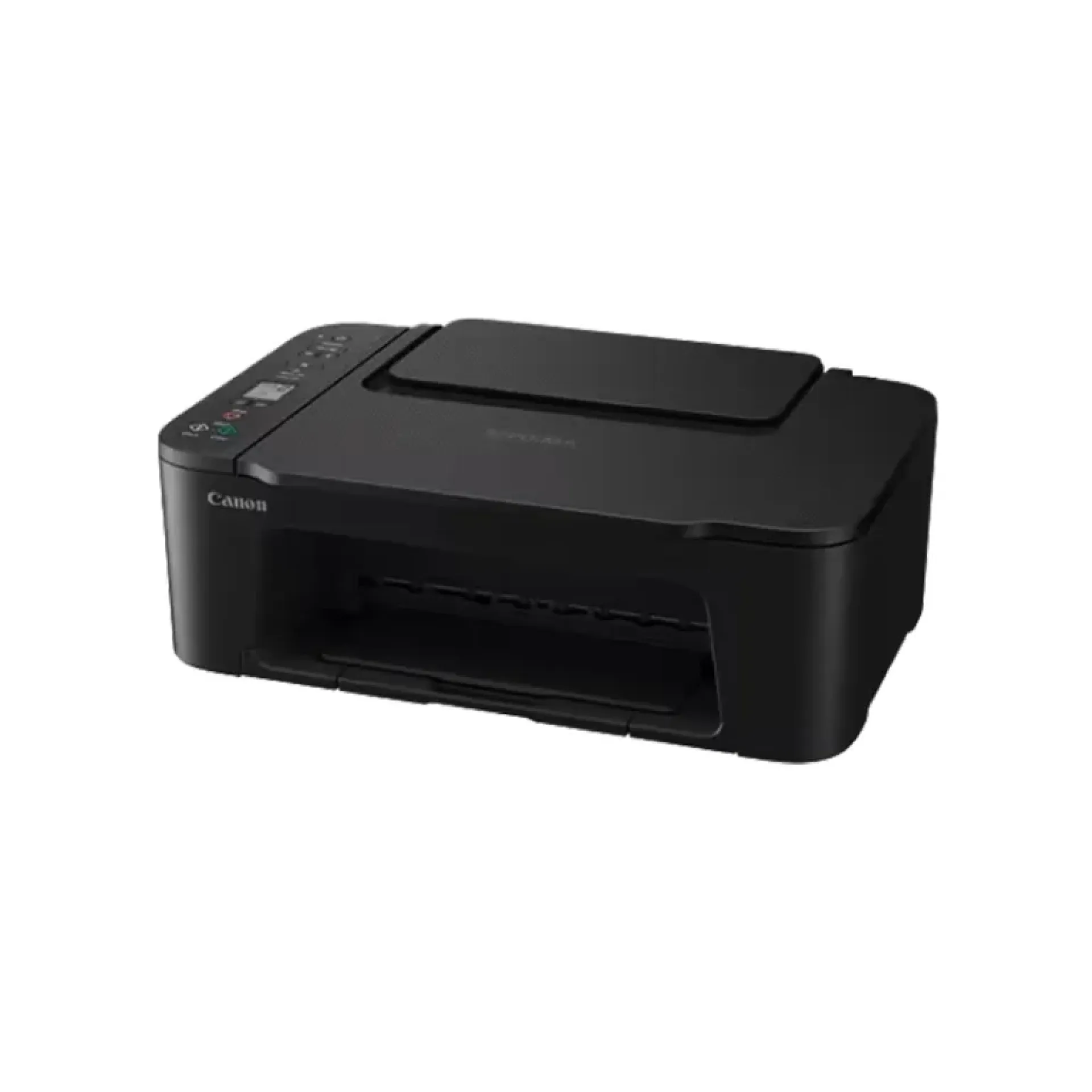
Canon pixma ts3340 all-in-one printer
-
Printer type – All‑in‑one inkjet printer (print, scan, copy)
-
Print technology – Canon inkjet with hybrid ink system
-
Print resolution – Up to 4800 × 1200 dpi optimized
-
Print speed – Approx. 7.7 ipm (black), 4 ipm (color)
-
Connectivity – Wi‑Fi, USB 2.0; supports Canon PRINT app, AirPrint, Mopria, and wireless direct
-
Functions – Print, scan, copy
-
Paper handling – Rear tray 60 sheets; supports A4, A5, B5, Letter, envelopes
-
Ink system – 2 cartridge system (Black, Tri‑color)
-
Build quality – Compact, lightweight design for home use
-
Special features – Borderless photo printing up to 5″ × 7″, wireless printing convenience
Canon pixma ts3340 all-in-one printer
The Canon PIXMA TS3340 All-in-One Wireless Printer is an affordable inkjet printer designed for home users, students, and small offices. It combines printing, copying, and scanning in a compact design while offering built-in Wi-Fi and cloud printing for convenient printing from laptops, smartphones, and tablets.
The PIXMA TS3340 delivers sharp text, vibrant colour prints, and borderless photo printing, making it suitable for everyday documents, assignments, and photo printing. Its simple setup and wireless connectivity make it an excellent choice for users seeking a reliable entry-level printer.
Canon PIXMA TS3340 All-in-One Wireless Printer Price in Kenya
| Product | Price |
|---|---|
| Canon PIXMA TS3340 All-in-One Wireless Printer | KSh 11,000 |
Canon PIXMA TS3340 All-in-One Wireless Printer Key Specifications
| Specification | Details |
|---|---|
| Printer Type | Wireless All-in-One Inkjet Printer |
| Functions | Print, Copy, Scan |
| Print Technology | 2 FINE Ink Cartridges |
| Maximum Print Resolution | Up to 4800 × 1200 dpi |
| Print Speed | Approx. 7.7 ipm (Black), 4.0 ipm (Colour) |
| Scanner Type | CIS Flatbed Scanner |
| Paper Capacity | Up to 60 Sheets |
| Connectivity | Wi-Fi, USB 2.0, PIXMA Cloud Link |
| Duplex Printing | Manual |
| Display | 1.5-inch Monochrome LCD |
Canon PIXMA TS3340 All-in-One Wireless Printer Design & Build
- Compact and lightweight design.
- Stylish finish suitable for home use.
- 1.5-inch monochrome LCD display.
- Rear paper feed supporting up to 60 sheets.
- Easy-access ink cartridge replacement.
- Space-saving footprint for desks and study areas.
Canon PIXMA TS3340 All-in-One Wireless Printer Features and Performance
- Produces crisp text and vibrant colour prints.
- Supports borderless photo printing up to 13 × 18 cm.
- Built-in Wi-Fi enables wireless printing.
- Cloud printing through the Canon PRINT app.
- Manual duplex printing helps reduce paper usage.
- Simple setup for home and student environments.
Canon PIXMA TS3340 All-in-One Wireless Printer Ideal Use Cases
- Home document printing.
- Student assignments.
- Family photo printing.
- Copying and scanning documents.
- Everyday personal printing.
- Wireless printing from mobile devices.
Canon PIXMA TS3340 All-in-One Wireless Printer Connectivity and Compatibility
- Built-in Wi-Fi connectivity.
- Hi-Speed USB 2.0 interface.
- Canon PRINT app support.
- PIXMA Cloud Link compatibility.
- Compatible with Windows and macOS.
- Supports Apple AirPrint and Mopria services.
Canon PIXMA TS3340 All-in-One Wireless Printer Pros and Cons
| Pros | Cons |
|---|---|
| Print, copy, and scan functionality | Uses ink cartridges instead of refillable ink tanks |
| Built-in Wi-Fi connectivity | Manual duplex printing only |
| Compact and lightweight design | 60-sheet paper capacity |
| Borderless photo printing | Slower print speeds than business models |
| Easy mobile and cloud printing | |
| Affordable purchase price |
FAQs
1. What functions does the Canon PIXMA TS3340 offer?
The Canon PIXMA TS3340 supports printing, copying, and scanning, making it a practical all-in-one solution for home and student use.
2. Does the Canon PIXMA TS3340 support wireless printing?
Yes. It includes built-in Wi-Fi, allowing users to print wirelessly from computers, smartphones, and tablets using the Canon PRINT app.
3. Can the Canon PIXMA TS3340 print borderless photos?
Yes. It supports borderless photo printing up to 13 × 18 cm, making it suitable for printing high-quality family photos and creative projects.
4. Does the Canon PIXMA TS3340 support automatic duplex printing?
No. The printer supports manual duplex printing, allowing users to print on both sides of the paper manually.
5. Is the Canon PIXMA TS3340 suitable for home use?
Yes. Its compact design, wireless connectivity, and print, copy, and scan functions make it an excellent choice for homes, students, and light office tasks.
6. Is the Canon PIXMA TS3340 worth buying?
Yes. The Canon PIXMA TS3340 offers reliable print quality, wireless connectivity, and all-in-one functionality at an affordable price. At KSh 11,000, it is an excellent option for users looking for an entry-level home printer.
Conclusion
The Canon PIXMA TS3340 All-in-One Wireless Printer is an affordable and dependable solution for homes, students, and everyday users. Featuring print, copy, and scan functionality, built-in Wi-Fi, borderless photo printing, and easy mobile connectivity, it delivers reliable performance for daily printing needs. At KSh 11,000, it offers excellent value for anyone seeking a compact and feature-rich wireless printer.
| Shipping Cost |
|
| Shop Location | Kenya |